
Adding staff members
Events can be managed by multiple staff members. Add each person with a role that matches their responsibilities.
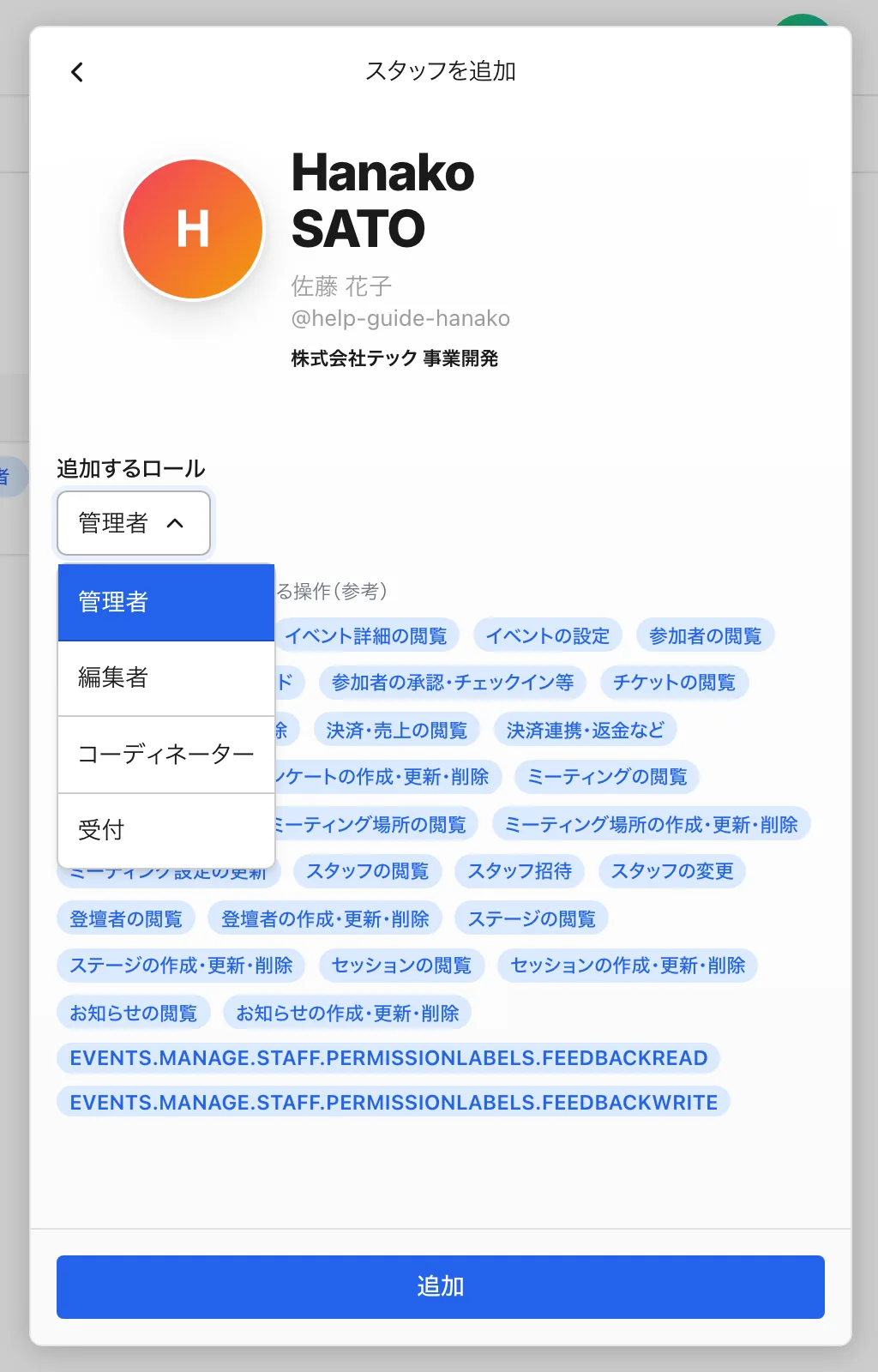
Only staff with the ADMIN (Admin) role can add, change the role of, or remove staff. Note that you cannot change your own role or remove yourself.
Steps to add
- Open "Staff" in the event management screen.
- Search for and select the user to add. They need a 4S account.
- Choose a role and add them. The four roles are ADMIN (Admin) / EDITOR (Editor) / COORDINATOR (Coordinator) / RECEPTIONIST (Receptionist).
Operational tips
- Roles can be changed later. Starting with the minimum necessary permissions is the safest approach.
- For day-of reception helpers, assigning RECEPTIONIST (Receptionist) prevents accidental edits to event content.
See Role permissions overview for what each role can do.