
Notification and email settings
4S notifies you through in-app notifications and email. Email notifications can be turned on or off per notification type.
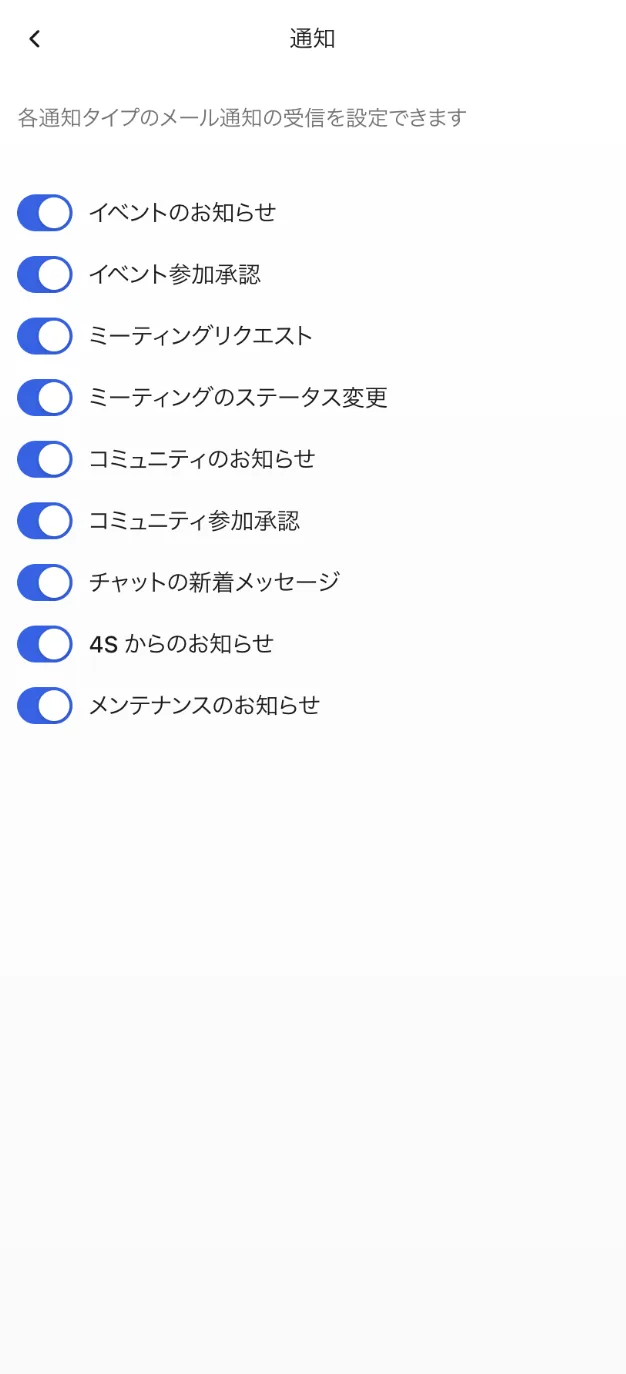
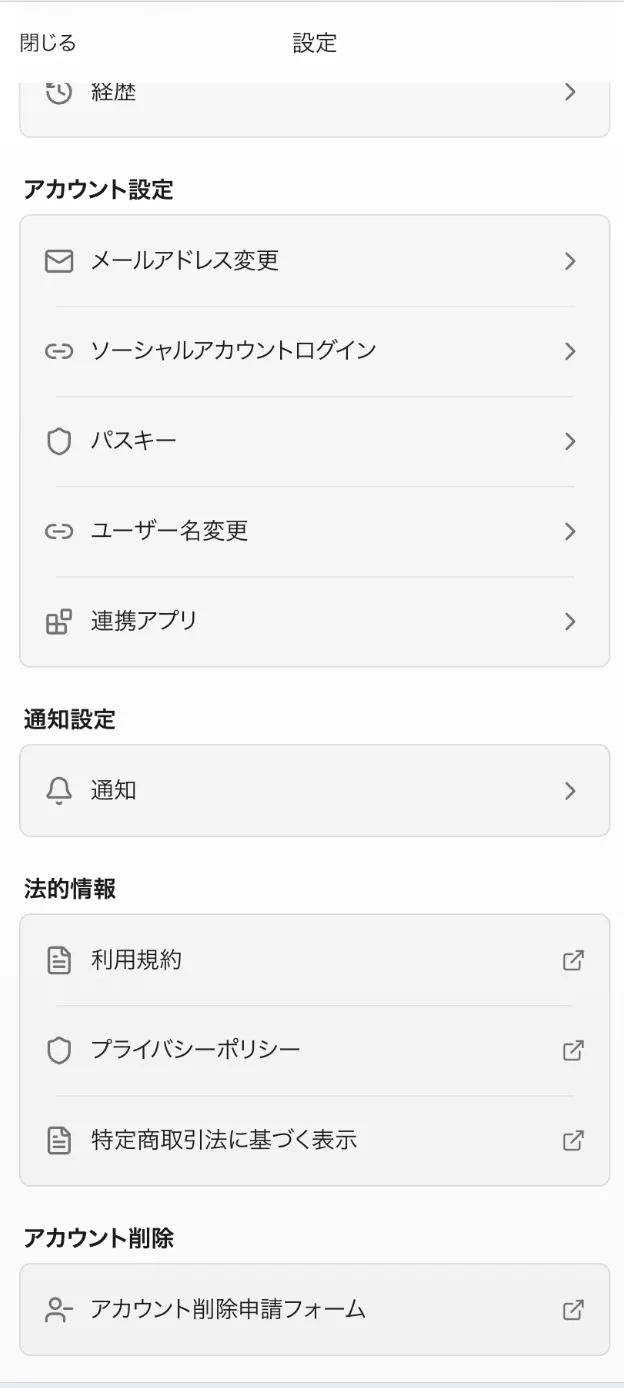
How to configure email notifications
- After signing in, open the settings from the account menu at the top right.
- Select "Notification Settings".
- Toggle each notification type. Changes are saved automatically.
Notification types
You can configure the following nine types individually.
- Event announcements
- Event entry approvals
- Meeting requests
- Meeting status changes
- Community announcements
- Community join approvals
- New chat messages
- Announcements from 4S
- Maintenance notices
Checking in-app notifications
In-app notifications appear in your notification list, where you can filter by unread/read, mark items as read, and delete them. Important updates such as entry approvals and community announcements arrive here, so check it regularly.
Community announcement emails
Separately from the settings above, you can also turn off announcement emails per community, using the toggle on each community's announcements page.