
Resetting your password
You can reset your password at any time from the login screen.
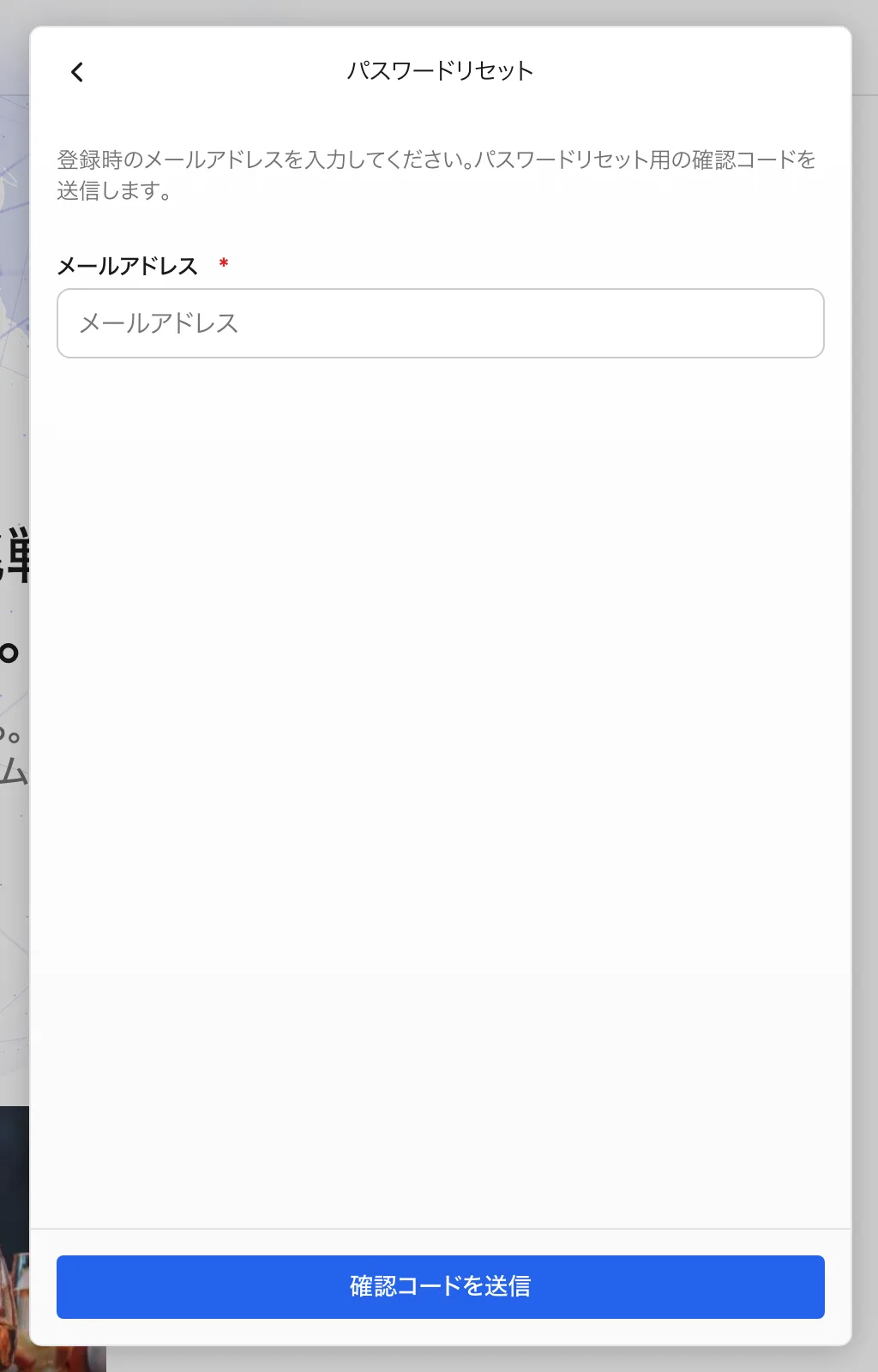
Steps to reset
- Select "Forgot your password?" on the login screen.
- Enter your registered email address.
- Enter the confirmation code sent by email.
- Set a new password to finish.
Changing your password while signed in
After signing in, you can change your password from "Account" in the settings screen. Your current password is required.
For security, we recommend not reusing passwords from other services.