
Issuing coupons and promotion codes
There are two ways to offer discounted tickets to specific participants. Use whichever fits your needs.
Promotion codes (Stripe)
For prepaid (Stripe) tickets, you can use Stripe promotion codes. Issuing codes and setting the discount rate/amount, expiry date, and usage limit are all done in the Stripe dashboard. The 4S management screen does not have a code-issuing feature.
Participants enter the code on the prepaid ticket checkout page (Stripe Checkout) to apply the discount.
Referrals (invitation codes)
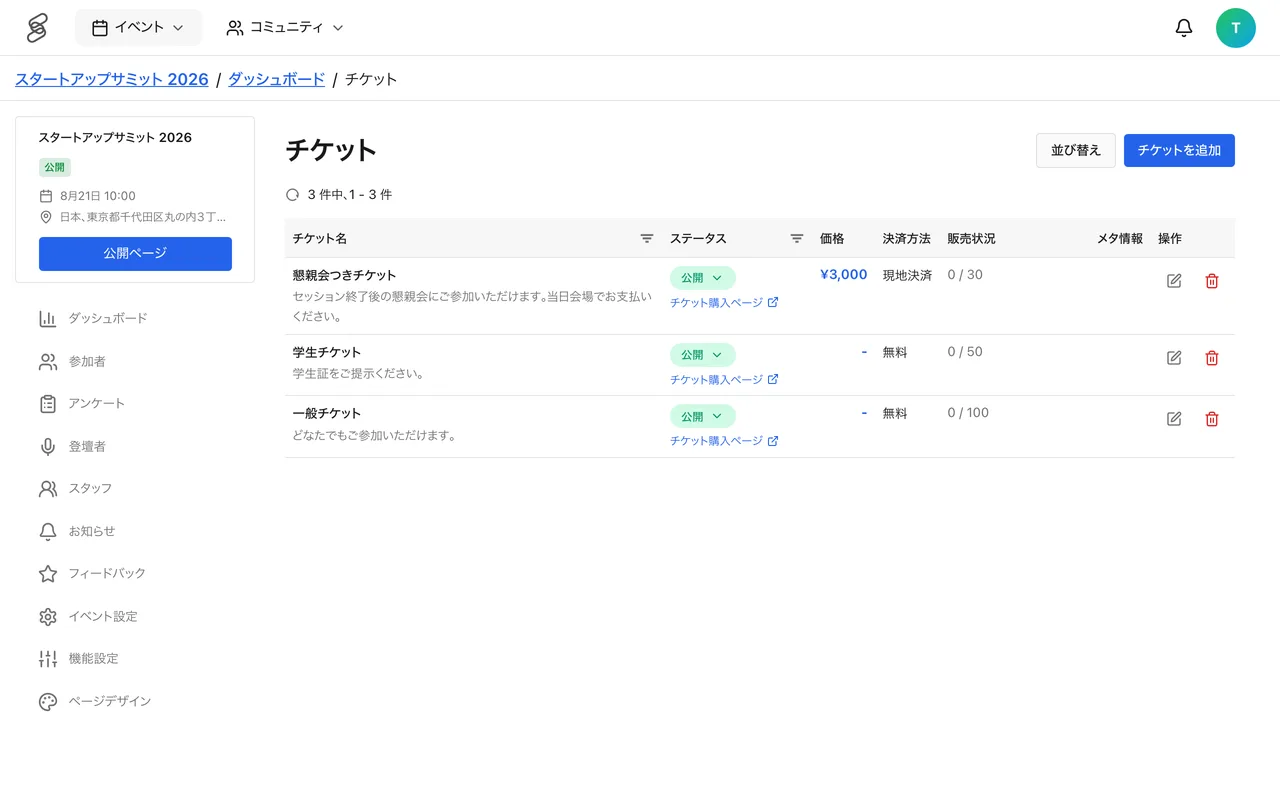
This is an in-app feature. From the ticket settings in the event management screen, you can configure:
- The ticket the invitation applies to
- How many times each code can be used
- The discount (% off or a fixed amount off)
Referral codes are issued by ticket holders with a confirmed registration, who share them with the people they want to invite. Recipients can enter the code on the ticket selection screen to register or purchase. Note that referrals have no expiry-date setting.
Choosing between them, and notes
- Promotion codes suit cases where you want to manage discounts, expiry, and usage flexibly in Stripe.
- Referrals suit inviting trusted people such as speakers, partners, or community members.
- When a referral discount is applied to a purchase, the promotion code field is not shown.
- Recording which codes went to whom helps with measuring impact and spotting misuse.