
Payments and receiving your revenue
Prepaid ticket payments are processed by Stripe. Participants' card details never pass through 4S servers and are handled securely by Stripe.
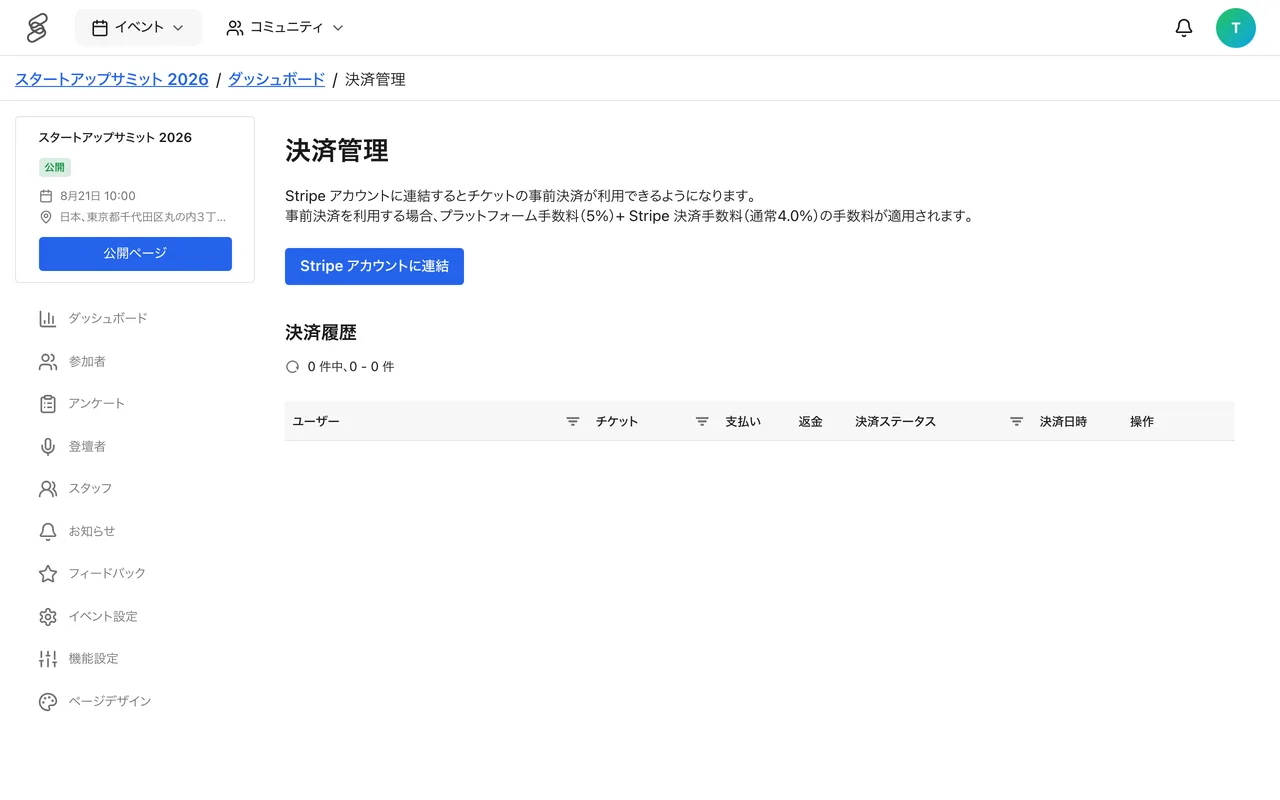
Getting ready for prepaid payments
To accept prepaid tickets, link a Stripe account from "Payments" in the management screen. You can create a new account or link an existing one. Only ADMIN (Admin) can do this.
How revenue flows
- When a participant buys a ticket, payment is processed immediately.
- Revenue is paid directly into the organizer's Stripe account on each transaction, with the platform fee deducted at that time.
- Sales can be tracked in the event management screen.
Fees
When using prepaid payment, a platform fee (5.0% by default; this may vary by event) applies, plus Stripe's payment processing fee (typically 4.0%). The rates that apply are shown on the payment management screen.
Things to prepare
- Link your Stripe account early.
- Payout timing to your bank account follows your Stripe payout settings.
- It also helps to confirm in advance how fees are treated when refunds occur.