
Using promotion codes
Promotion codes distributed by organizers give you a discount on ticket prices.
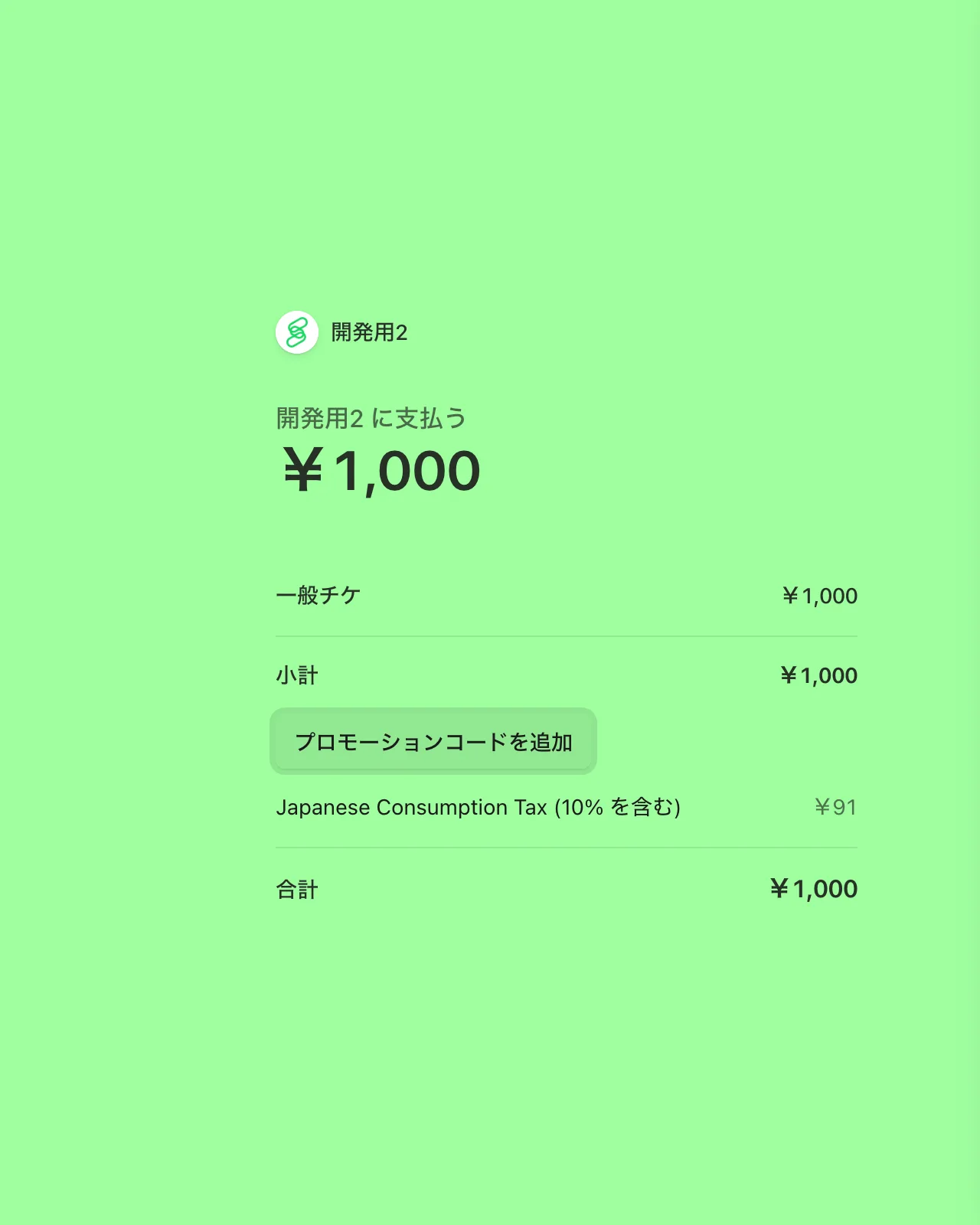
How to apply a code
- Select a ticket on the event page.
- After you are taken to the Stripe checkout page, enter the code in "Add promotion code" and apply it.
- Confirm the discounted amount before completing the payment.
If the code does not work
- Check for typos.
- The code may have expired or reached its usage limit.
- The code will not apply if the selected ticket is not eligible.
The expiry, usage limit, and eligible tickets vary depending on the organizer's settings. For how to obtain codes and their conditions, contact the organizer who issued them.
Note that the promotion code field is not shown for purchases where a referral (invitation code) discount is applied.