
Collecting post-event feedback
After your event ends, you can collect satisfaction feedback from attendees. Use it to improve your next event and to build reports.
What attendees answer
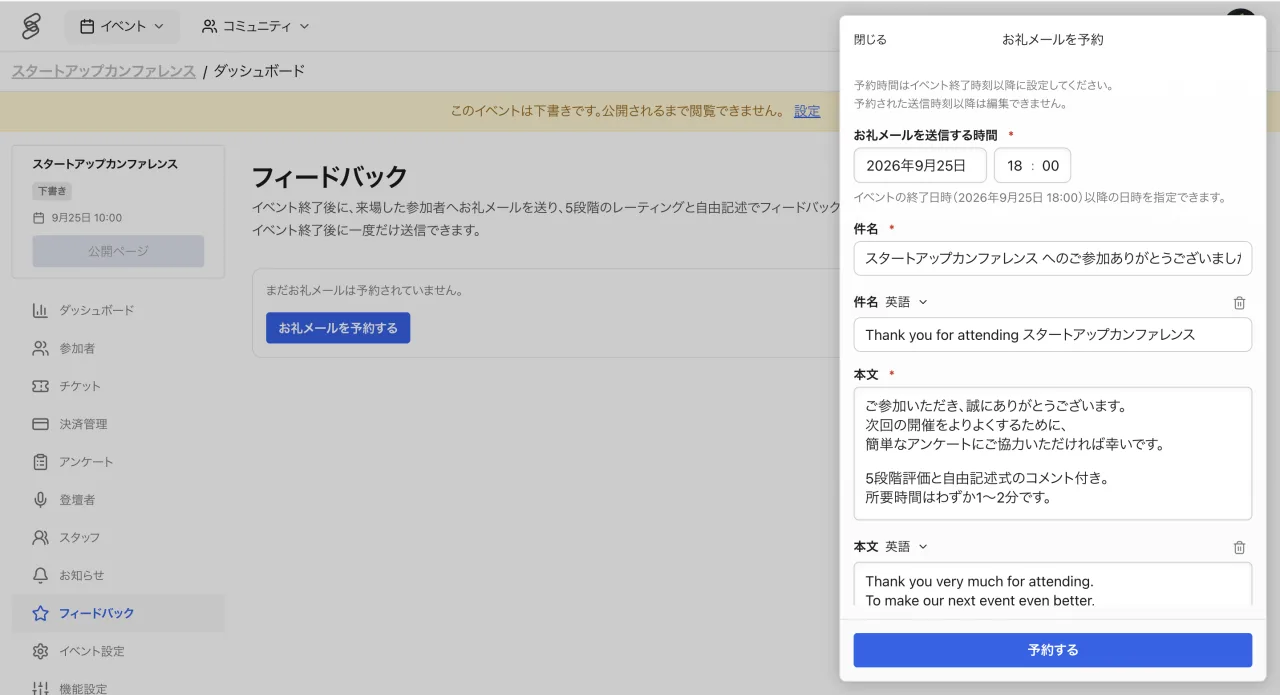
Attendees respond with a 5-point rating and free-form comments. The short format helps keep response rates high.
The request is sent only to attendees who checked in on the day. People who registered but did not attend do not receive it.
When to send
You schedule the feedback request in advance for a date and time after the event ends. Once the scheduled send time passes, the reservation can no longer be changed, so finish setting it up before then. It can be sent only once.
Reviewing responses
Collected responses can be reviewed in the feedback section of the event management screen. Setting up feedback requires the EDITOR role or higher, and viewing responses requires COORDINATOR or higher.
Tips for better response rates
- Sending right after the event, while memories are fresh, works best.
- Mentioning "we will send a survey afterwards" during closing increases responses.