
Day-of check-in
For onsite events, check in by showing your QR code at the reception desk.
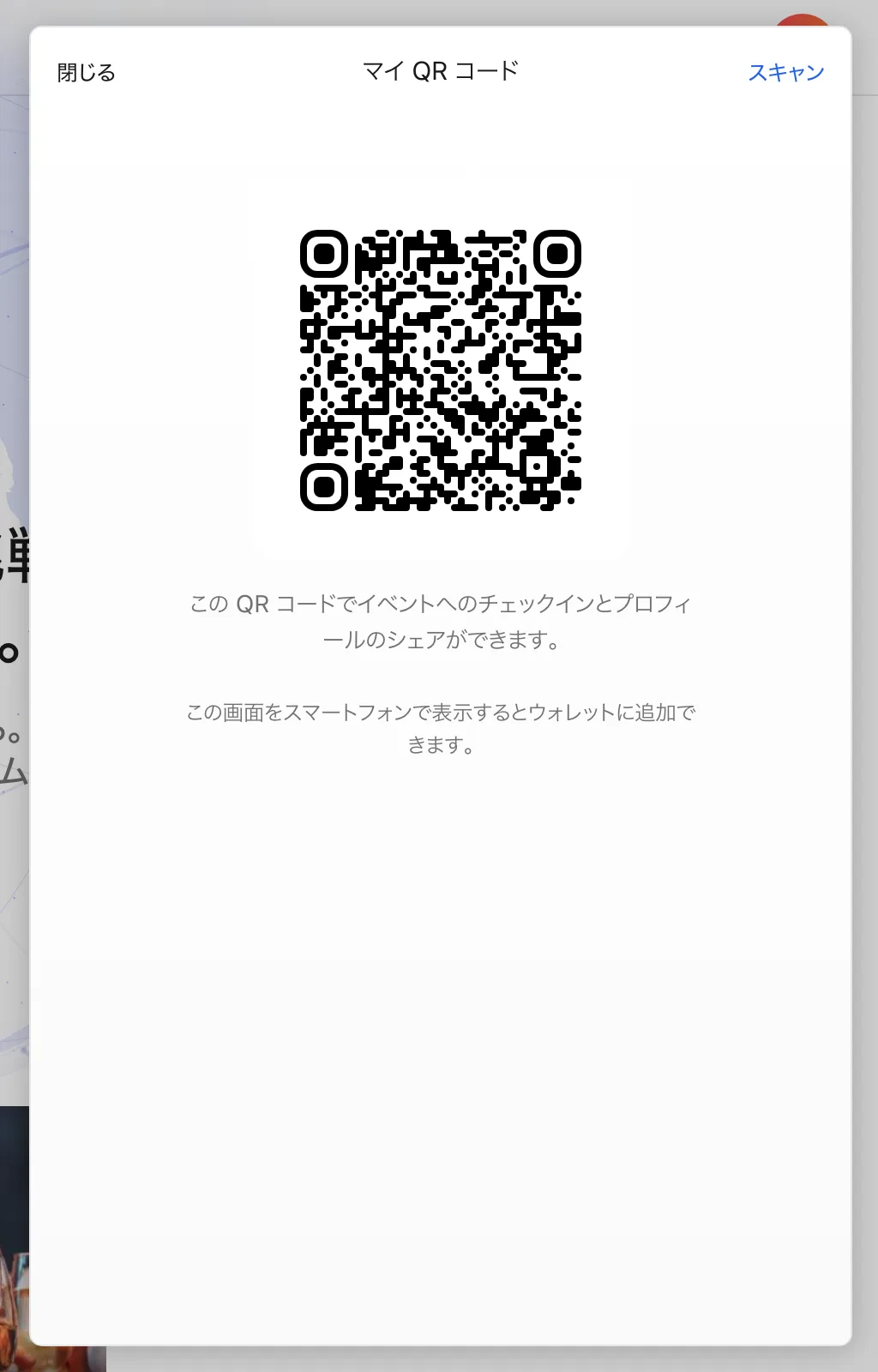
Check-in flow
- While signed in, open "My QR Code" from the account menu at the top right of the screen.
- Show the QR code to the staff at reception.
- Once scanned, your check-in is complete.
For a smooth entry
- Your My QR Code works across 4S events. There is no need to prepare a new QR code for each event.
- Venue networks can be congested. We recommend opening your QR code before lining up.
- You can add your My QR Code to Apple Wallet or Google Wallet. It then works at the reception desk regardless of network conditions.
For online events
Viewing instructions for online and hybrid events are provided on the event page or in emails from the organizer.