
Registering for an event
You can register from the "Register" button on the event page. If you are signed in, you can proceed to register directly. If you are not signed in, you can also register as a guest using your email address.
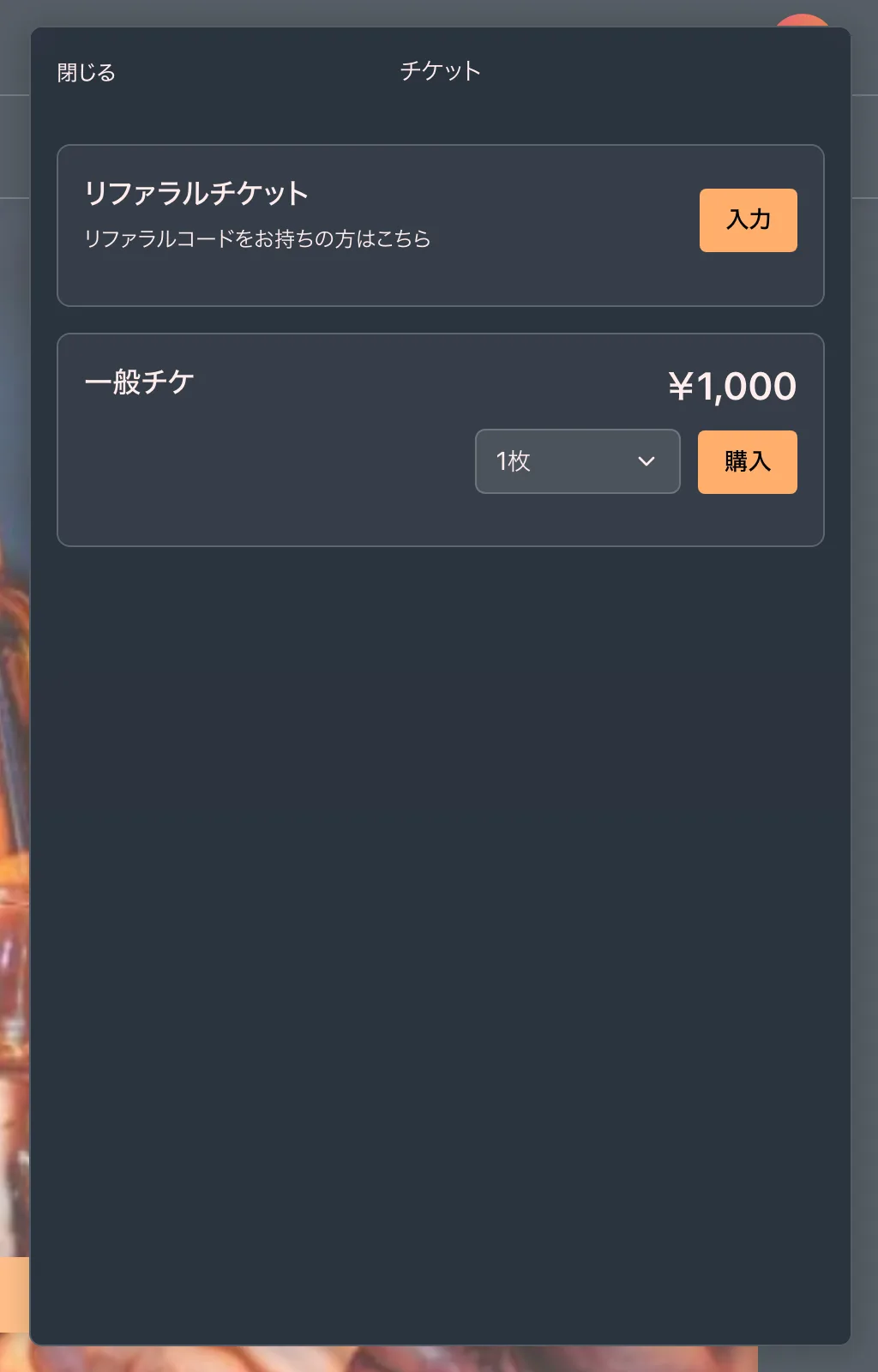
Steps to register (when signed in)
- Select a ticket (entry type) on the event page.
- For paid tickets, enter your payment details and complete the purchase.
- If you are not yet registered for the event and buy a single paid ticket, your registration is completed together with the payment.
- Once registration is complete, you will receive a confirmation email.
If you bought two or more tickets, received a ticket by transfer, or bought an extra ticket for an event you are already registered for, register each ticket from the "Participated Events" page.
Registering without signing in (guest registration)
If you are not signed in, enter your email address during registration and a confirmation email arrives at that address (subject: "Complete your registration - [event name]"). Open the link in the email and complete the steps to confirm your registration, and a 4S account is created for you automatically at the same time. For paid tickets, complete the payment from this link to confirm. The link in the confirmation email expires in 3 hours, so please complete the steps promptly.
After registering
You can check your registered events anytime on the "Participated Events" page. The QR code needed for day-of check-in is available from "My QR Code" in the account menu at the top right of the screen.
Notes
- For approval-based events, your entry is confirmed after the organizer approves it. See About approval-based events for details.
- Some events ask you to answer questions set by the organizer during registration.
- Enter your name in English (romanized) characters.
- Some events require taking a face photo during registration. Please allow camera access in your browser.
- Tickets that have reached capacity cannot be selected.