
How to find events
You can browse upcoming events from the "Events" page. A map view is also available, where you can move the visible area and use "Search this area" to narrow down events.
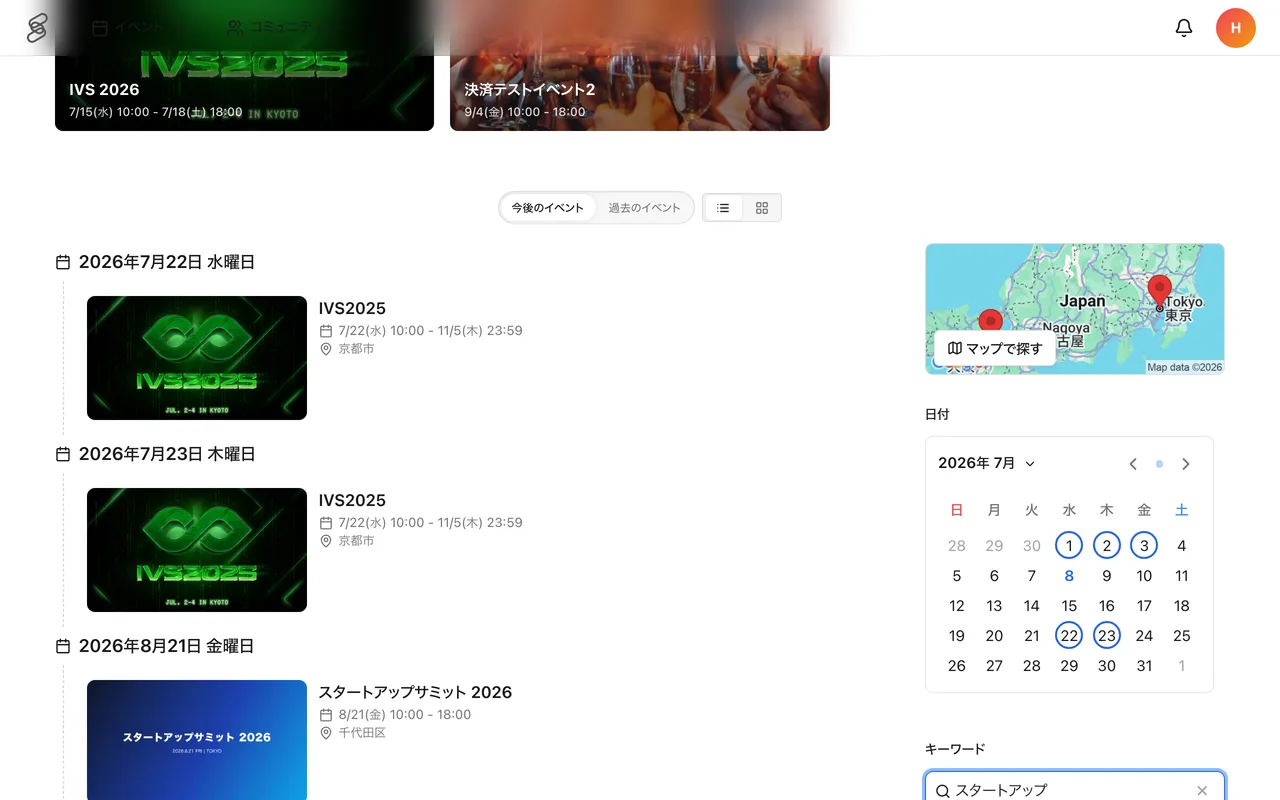
Tips for narrowing down
- Keyword — search by event name or theme.
- Date — pick a date to see only events you can attend.
- Price — filter by paid or free events.
- Tags — filter by the topics you are interested in.
When you find an interesting event
Save an event with the bookmark on its detail page so you can come back to it later. In the event list, saved events show a bookmark icon. Joining a community also lets you see the events it organizes on the community page.